How to Add Snowflake Effects to Your Twitch Stream in One Click
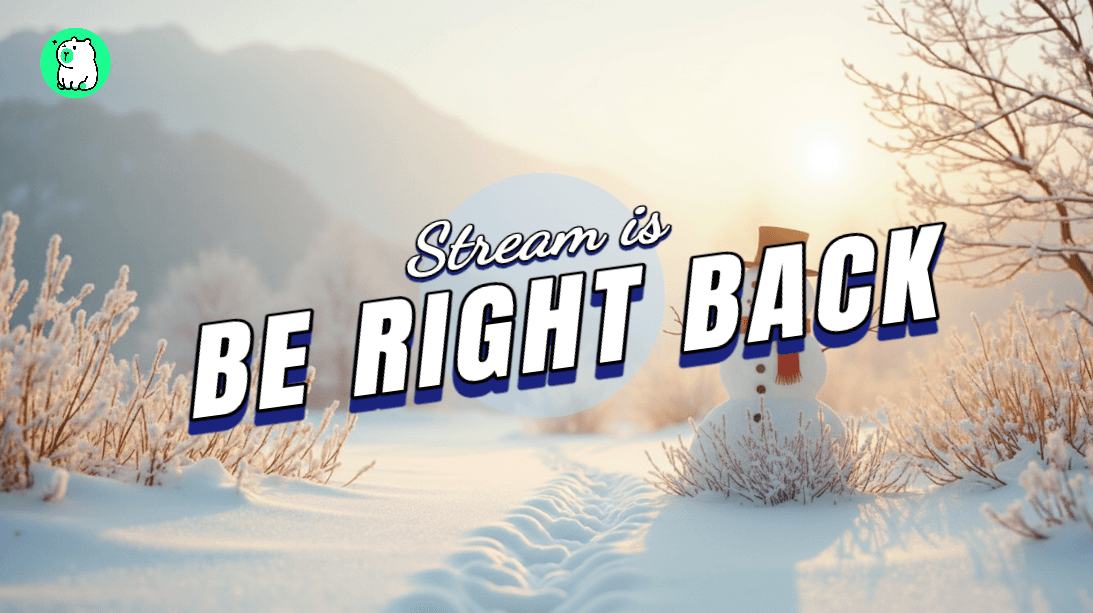
The holiday season is here — and your Twitch stream should feel like it.
Adding festive effects like animated snowflakes can instantly transform a plain stream into something magical. But most streamers skip this because they think it requires complicated software, green screens, or hours of editing.
Not anymore. With Zukaa AI's FX feature, you can add snowflake effects to your stream in literally one click.
Why Festive Effects Matter for Your Stream
A little holiday sparkle goes a long way:
Boost viewer engagement — Festive vibes make people want to stick around
Stand out in browse — Your thumbnail looks more eye-catching
Show personality — It tells viewers you put effort into your stream
Create seasonal moments — Perfect for holiday gift streams, charity events, or just spreading cheer
Your stream doesn't have to look plain during the most festive time of the year.
Introducing Zukaa AI FX
Zukaa AI's FX feature lets you add animated effects to your stream overlay with one click. No plugins, no complex setup, no editing software needed.
Here's what makes it different:
One-Click Activation — Select an effect, it's live instantly
Browser-Based — Works directly in Zukaa AI, no downloads
OBS Ready — Copy your overlay link and paste into OBS
Lightweight — Won't slow down your stream
How to Add Snowflake Effects (Step-by-Step)
It takes about 5 seconds. Here's how:
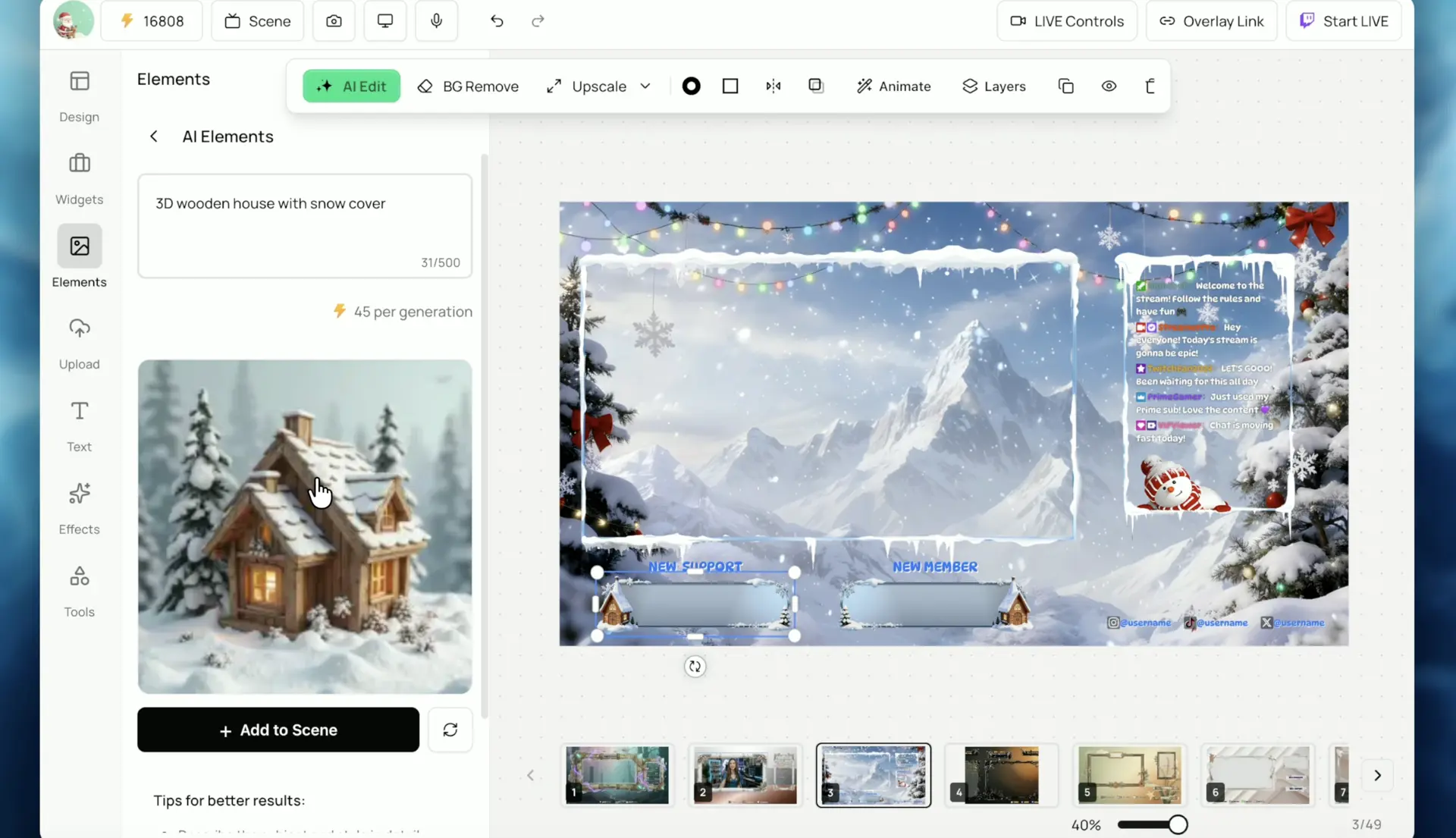
Step 1: Open Your Overlay
Head to Zukaa AI and open your existing overlay project — or start a new one.
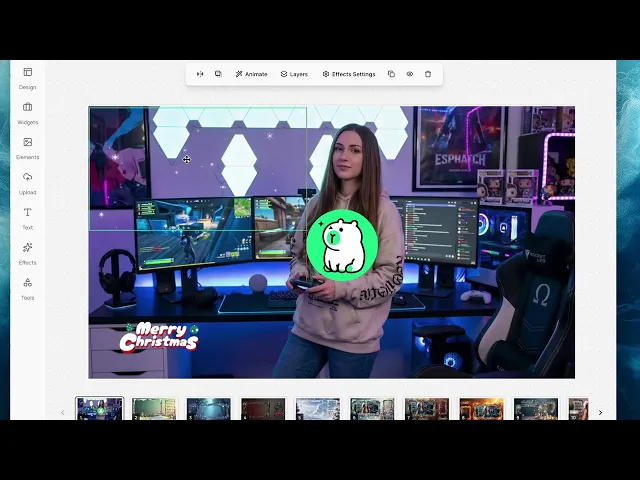
Step 2: Go to the FX Panel
Find the FX panel in the editor. This is where all animated effects live.
Step 3: Select Snowflake Effect
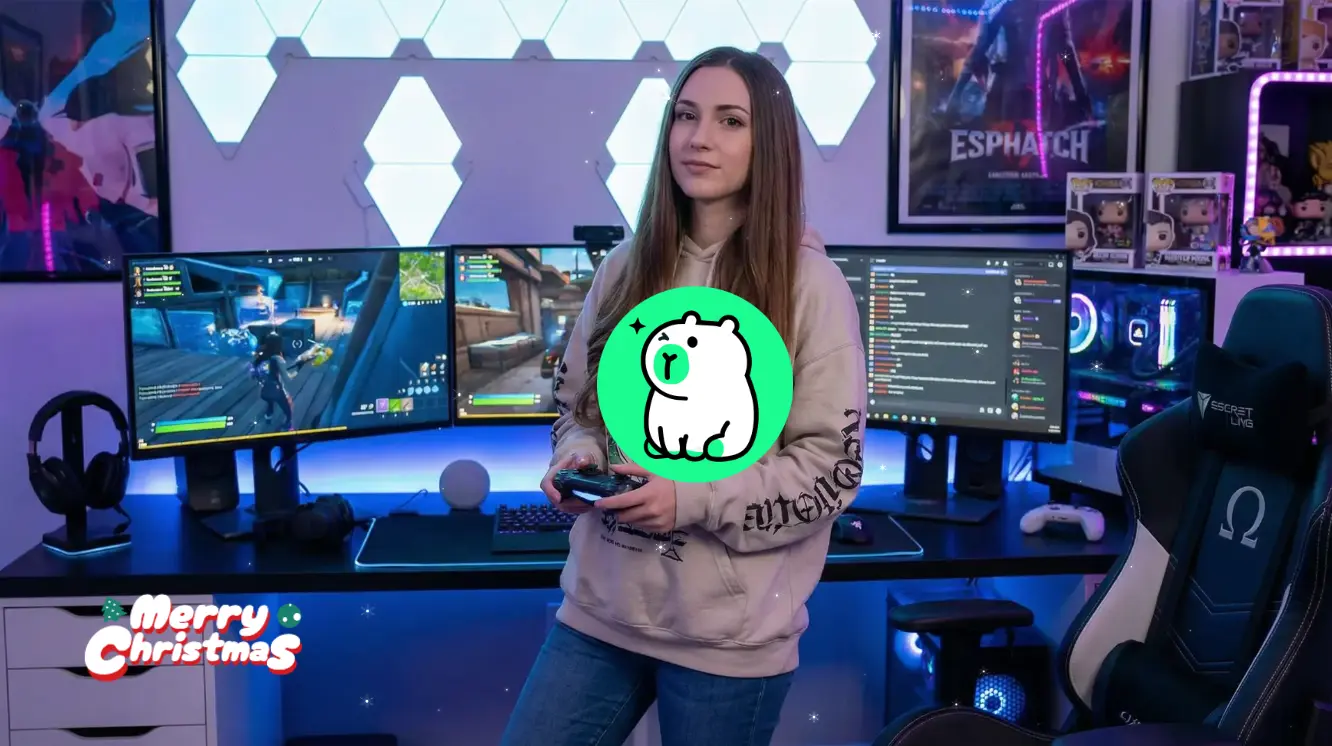
Click on the Snowflake effect. You'll see an instant preview of animated snowflakes falling across your overlay.
Step 4: Done — Copy to OBS
That's it. Copy your Overlay Link and paste it into OBS as a browser source. Your stream now has falling snowflakes.
More Holiday FX Ideas
Snowflakes are just the beginning. Here are more ways to make your stream festive:
Snowfall + cozy background — Winter wonderland vibes
Snowflakes + Christmas overlay — Full holiday setup
Subtle sparkle — For a more minimal look
Combine with holiday alerts — Snowflakes + festive sound effects
Mix and match to create your own holiday stream aesthetic.
Plain Stream vs. Festive Stream
Plain Stream | With Snowflake FX | |
|---|---|---|
Viewer first impression | Generic | Festive & inviting |
Holiday mood | ❌ | ✅ |
Setup time | — | 5 seconds |
Technical skill needed | — | None |
Make Your Stream Festive in Seconds
Your stream doesn't have to look boring this Christmas. With Zukaa AI's one-click FX, you can add animated snowflakes instantly — no design skills, no complicated setup.
Happy holidays and happy streaming! ❄️✨