How to Create Stunning Twitch Christmas Overlays in Seconds
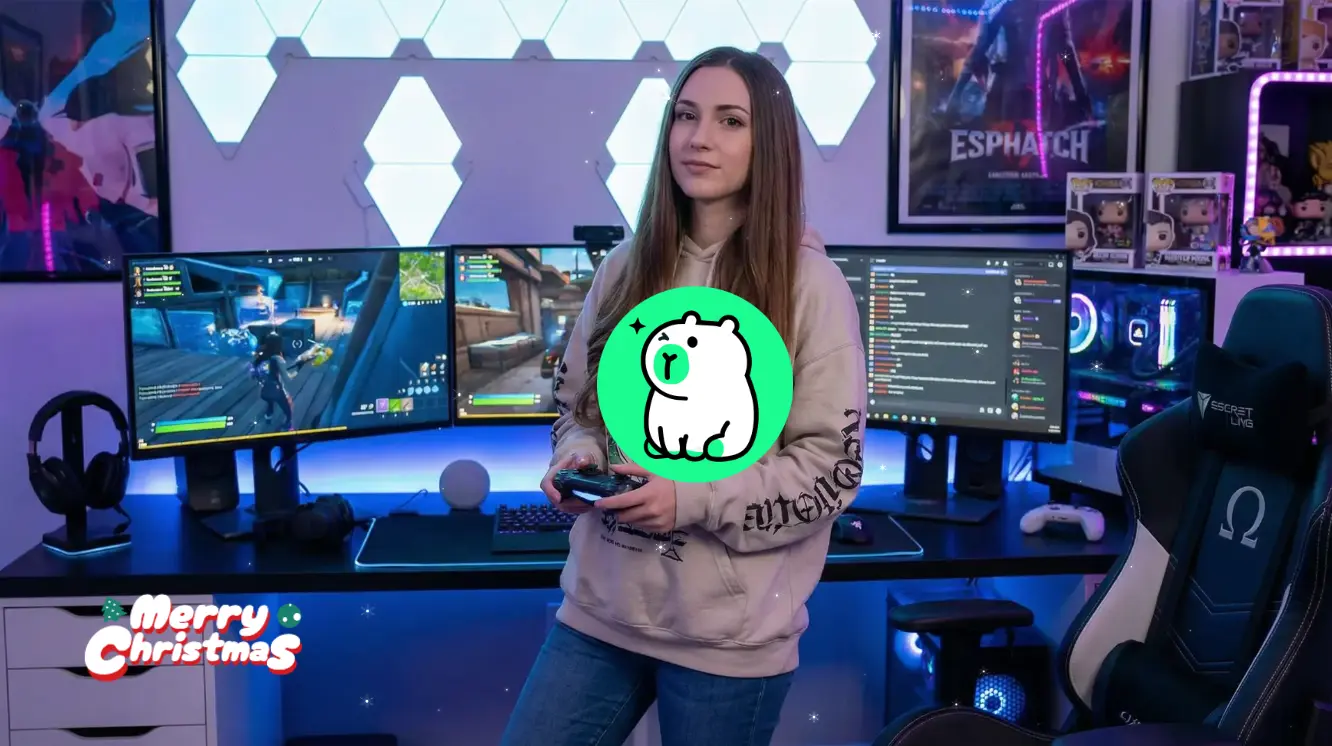
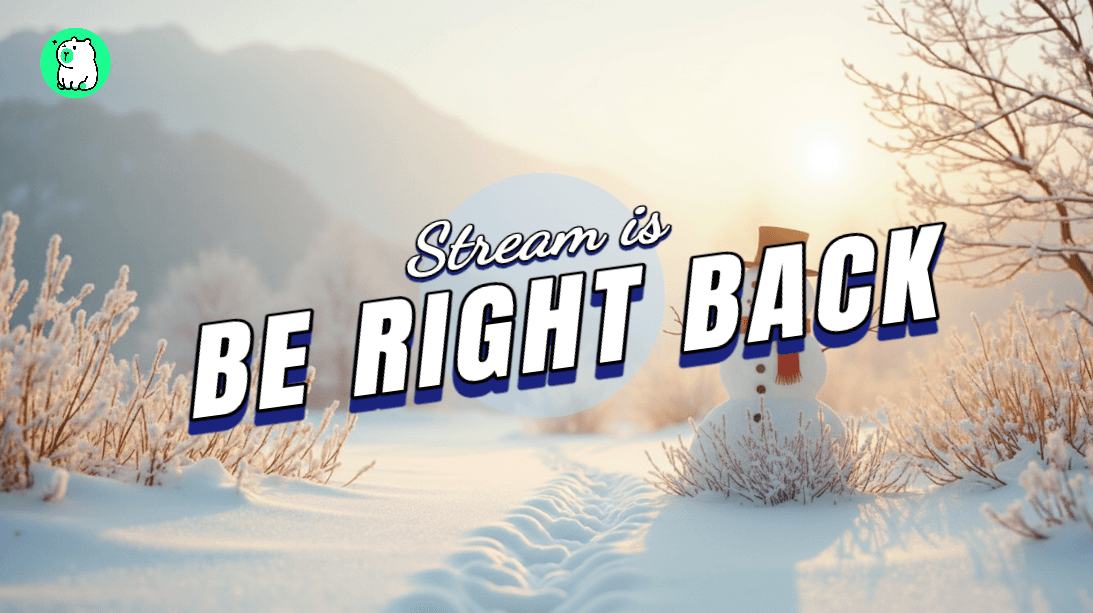
The holiday season is here, and your Twitch stream deserves a festive upgrade. Whether you're looking for a cozy Christmas overlay, animated snowfall, or custom holiday decorations, Zukaa AI makes it easy — no design experience required.
In this guide, we'll show you how to create a beautiful Twitch Christmas overlay using Zukaa AI's Elements feature in just a few clicks.
Why Your Stream Needs a Christmas Overlay
A themed overlay does more than just look good. It helps you:
Stand out in a crowded category during the holiday season
Connect with viewers through festive vibes
Show personality and effort in your stream setup
But let's be honest — designing overlays from scratch takes time. Finding the right assets, matching colors, and making everything look professional can be frustrating. That's where Zukaa AI comes in.
Introducing Zukaa AI Elements
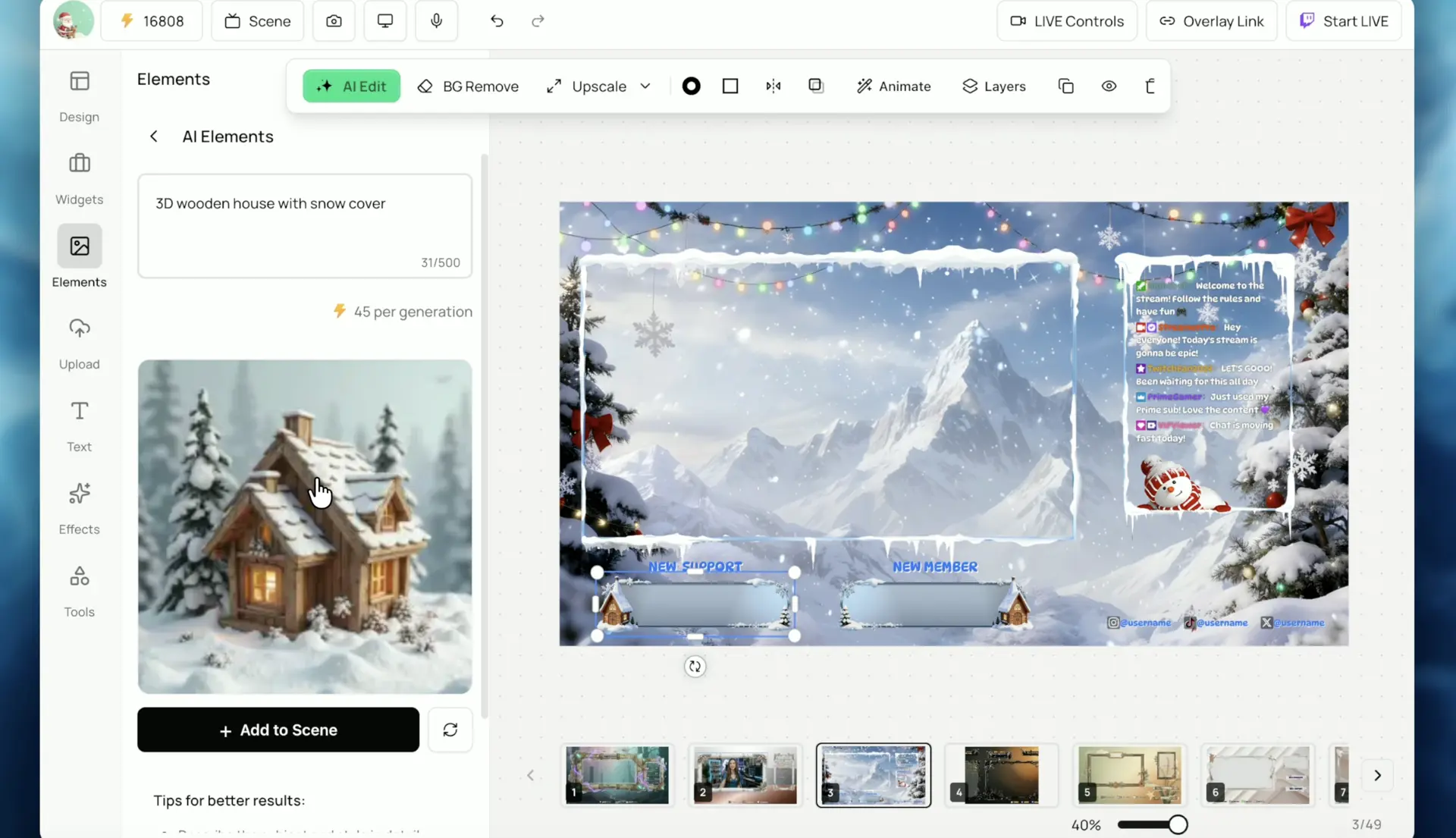
Zukaa AI Elements is a built-in feature that lets you generate and add decorative assets to your overlay instantly. Want a snow-covered cabin? A glowing Christmas tree? Falling snowflakes? Just describe it, and the AI creates it for you.
Here's what makes it different:
AI-Generated Assets — Describe what you want, get a custom element in seconds
One-Click Background Removal — Clean, transparent assets ready to use
Drag and Drop — Place elements anywhere on your canvas
Fully Customizable — Resize, rotate, and layer however you like
How to Create a Christmas Twitch Overlay (Step-by-Step)
Here's how easy it is:
Step 1: Open the Overlay Editor
Head to Zukaa AI and start a new scene. Choose a base layout or start from a blank scene.
Step 2: Generate Festive Elements
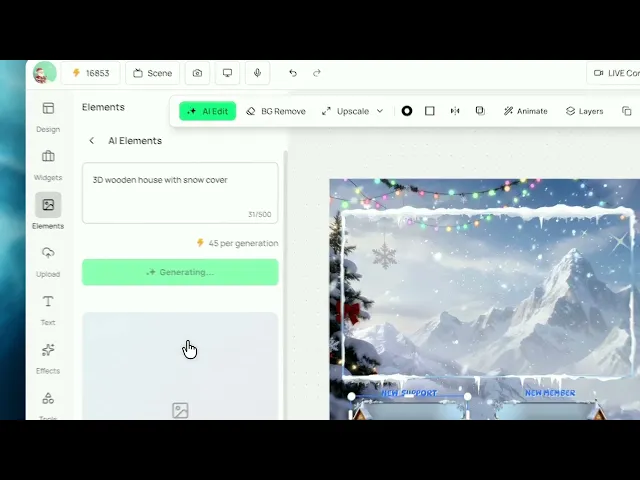
Open the Elements panel and describe what you want. For example:
"3D snow-covered wooden cabin"
"Glowing Christmas tree with lights"
"Cartoon snowman with scarf"
The AI generates a custom image in seconds.
Step 3: Remove the Background
Click the Background Remove button to instantly remove the background. Now you have a clean, transparent asset ready to use.
Step 4: Drag, Drop, and Arrange
Place your elements anywhere on the overlay. Add multiple decorations to build your perfect Christmas scene.
Step 5: Save and Stream
Export your overlay and add it to your streaming setup. Done — your stream is now holiday-ready.
Free Christmas Overlay Elements to Try
Need some inspiration? Here are popular Christmas overlay elements you can create with Zukaa AI:
Snowfall animations
Christmas tree decorations
Snow-covered cabins and houses
Gift boxes and presents
Candy canes and stockings
Fairy lights and glowing stars
Santa hats and reindeer
All generated by AI, all free to use in your stream.
Why Streamers Choose Zukaa AI for Holiday Overlays
Feature | Zukaa AI | Traditional Design Tools |
|---|---|---|
AI-generated assets | ✅ | ❌ |
One-click background removal | ✅ | ❌ |
Browser-based (no download) | ✅ | ❌ |
Free to use | ✅ | Varies |
Designed for Twitch streamers | ✅ | ❌ |
Get Your Stream Holiday-Ready Today
Don't settle for generic overlays this Christmas. With Zukaa AI, you can create a unique, professional-looking Twitch Christmas overlay in minutes — no design skills, no expensive software, no hassle.
Happy holidays, and happy streaming! 🎄❄️